Invite-only event registration: guest lists, categories and approval flows
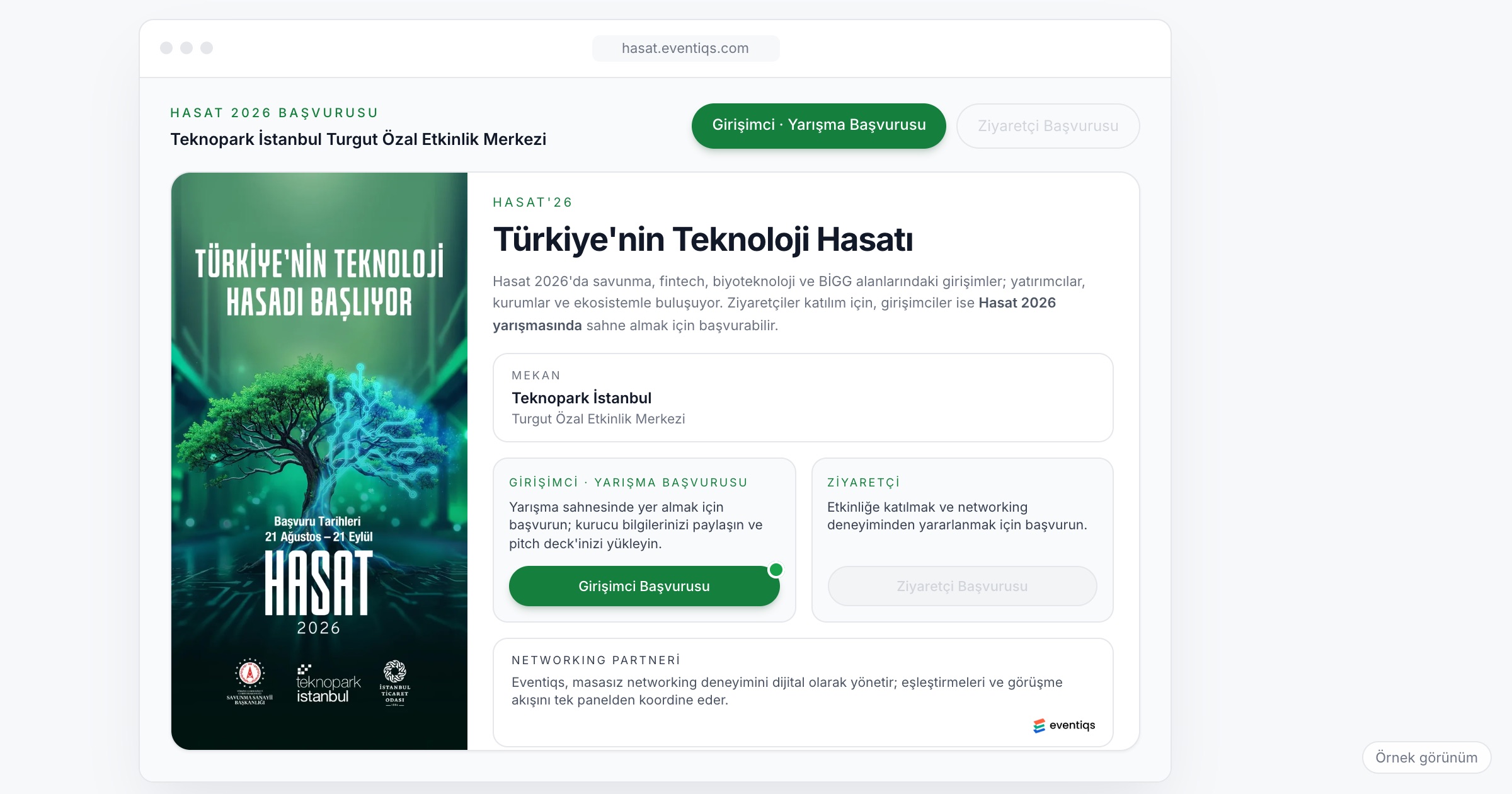
Invite-only event registration lets only the people on your guest list, or the applicants you accept, register for an event and get into its app. It is how dealer meetings, product launches, galas, VIP dinners and executive summits keep a closed audience, and how mixed events such as startup competitions separate people who apply from people who simply attend. It matters because the guest list drives everything after it: seating, catering, travel and who can meet whom. When you choose a registration system, check how the invite list is loaded, whether each category gets its own form fields and access, whether there is an approval flow for applications, what profile data you can collect, and how registered guests arrive in the event app.
Why invite-only registration is different
An open conference wants as many registrations as possible. An invite-only event wants exactly the right ones. Picture a dealer meeting for 300 dealers and 40 regional managers. The list comes from the sales team, it changes every week, and three dealers forward the registration link to colleagues who were not invited. At a product launch, the same evening hosts dealers, press and a few key customers, and each group needs different information. At a gala, an executive's assistant registers on their behalf and asks whether a partner may come. At an executive summit, the CEO's office curates the list name by name and wants to know, at any moment, who has said yes.
Mixed events add another layer. A startup competition, for example, takes applications that a jury reviews, while investors and general attendees register through a simpler route. The two groups need different forms, different decisions and different access, inside the same event.
Then there is the gap between registration and the event itself. A guest who registered three weeks ago and never heard from you again is likely to arrive without having opened the app, without a profile, and without any meetings planned.
What to look for in an invite-only registration system
1. An invite list as the source of truth
Registration should check against a list you control, not an open link. When someone who is not on the list tries to register, the system should treat that as an exception you see, not a seat you lose.
Ask the vendor: How do we load and update the invite list? What happens when someone not on the list tries to register?
2. Categories with their own form fields
A dealer, a journalist, a speaker and an employee do not fill in the same form. Dealers may need a dealer code and region, press an outlet, speakers a photo and a short bio, employees a department. Each category should get its own fields, so nobody answers questions that do not apply to them.
Ask the vendor: Can each category have its own registration form? Can we add or change fields after registration opens?
3. Access by category
Being invited does not mean seeing everything. A press category may see the press program but not the dealer workshop; a speaker sees the speaker briefing; a guest sees the gala details. Access by category keeps the app relevant for each group and keeps internal content internal.
4. An approval flow for applications
Some guests are not invited; they apply. Startup competitions, award entries and curated summits all need someone to review an application before access opens. The flow should let your team review each application, accept or decline it, and open access only to those accepted.
Ask the vendor: Can applications and invited guests run through separate flows in the same event? What does an applicant see while their application is under review?
5. Profile data that networking needs
If the event includes networking, registration is the moment to collect what it runs on: title, organization, interests and what the guest hopes to get from the event. Keep the form short, and ask only for what you will use. A profile with a name and an email cannot help anyone find the right person to meet.
6. A clear path from registration to the app
Registration should not end with a confirmation email. After registering, the guest should be invited to the event app, and their profile there should arrive filled with what they already gave. Asking people to type the same details twice is how profiles end up empty.
Ask the vendor: After registering, how is the guest invited to the app? Does their app profile carry over what they entered at registration?
7. A live view of who has registered
Your team needs to know, at any time, how many guests have registered and how they split across categories. That is how you notice that dealers from one region have not responded, or that the press list is still half empty, while there is time to follow up.
Where RSVP fits
RSVP is a process more than a feature. For a closed event, decide early how a guest says yes: for many teams, completing registration is the yes, and anyone on the list who has not registered by a set date gets a reminder and then a phone call. Fix one deadline for final numbers, because catering, seating and transport all depend on it. Agree on who handles plus-ones and substitutions (a dealer who sends a colleague instead), and record those changes in the guest list itself, not in someone's inbox.
Registration data and the law
Registration collects names, contact details, titles and, for networking, interests. For this data the organizer is usually the data controller and the registration and app vendor is the data processor; under Turkey's KVKK and the GDPR, the privacy notice shown at registration is the organizer's responsibility. This article is not legal advice; talk to your legal counsel about your own case.
Checklist before the event
- Build the guest list with a category for every person: dealer, employee, speaker, press, guest.
- Decide which fields each category's form needs, and drop the rest.
- Decide what each category can see in the app.
- If the event takes applications, agree who reviews them and by when.
- Set the date by which registration counts as the final yes.
- Prepare the privacy notice shown on the registration page.
- Plan the messages that take registered guests into the app before the event.
Common mistakes
- Sharing an open registration link. Once it is forwarded, the guest list stops being yours.
- Using one form for everyone. Speakers skip the bio you needed, and dealers answer press questions.
- Mixing applications with invitations. Applicants who appear on the guest list before they are accepted create awkward conversations later.
- Collecting no profile data. Networking at the event has nothing to work with.
- Going silent after registration. Guests who registered weeks ago arrive without the app and without a plan.
- Tracking changes outside the list. Substitutions agreed by email never reach the people printing the seating plan.
How Eventiqs helps
On Eventiqs, registration runs through Registration and Visitor Management (event registration). You get a branded registration page and forms, with different form fields per attendee category, invite lists, and an approval flow that lets your team review applications and open access to accepted ones. Access is set by category, such as employee, dealer, speaker, press or guest. Profile and interest data is collected at registration; after registering, the guest is invited to the app and their profile arrives filled with what they gave. Registrations and their split by category are tracked in the panel, and segmented email and push by category, with scheduled reminder and activation flows, help bring registered guests into the app. At Hasat 2025, startup-competition and attendee applications were collected through two separate flows. For the rest of a closed-audience setup, see corporate event apps and corporate event travel.